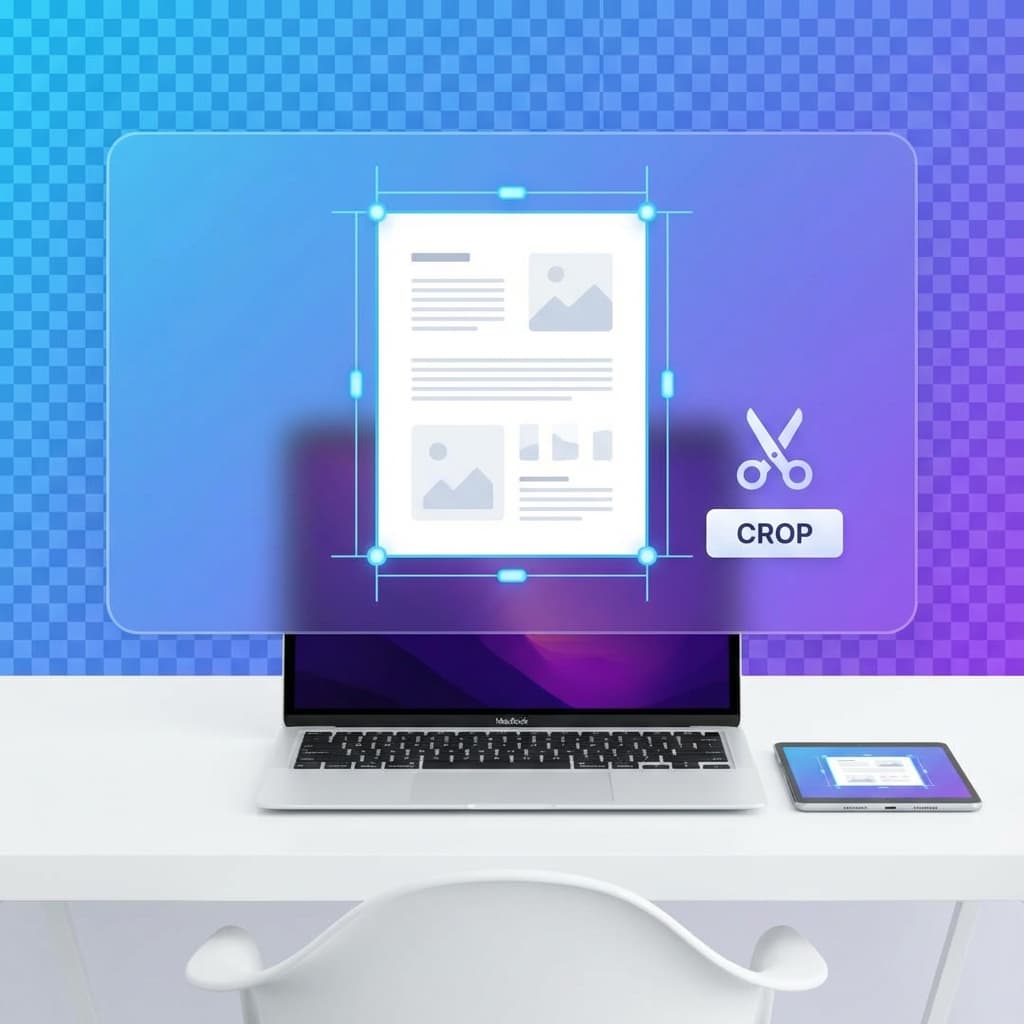
How to Crop PDF Pages Without Losing Quality
Key Takeaways (Quick Summary)
- 1Privacy First: Crop PDFs locally in your browser. No server uploads means 100% data security.
- 2No Quality Loss: Advanced engine preserves original resolution and text clarity.
- 3Precise Control: Visual cropping tool with draggable handles for exact margin removal.
- 4Free Forever: No watermarks, no sign-ups, and no hidden costs.
Need to remove unwanted margins, trim white space, or focus on a specific section of your PDF? Cropping PDF pages is essential for creating professional documents, reducing file size, and improving readability.
In this comprehensive guide, we'll show you how to crop PDF pages without losing quality using PDF Things. Our tool uses advanced local processing to ensure your documents remain pristine and private.
Your Privacy is Our Priority
Unlike traditional online PDF tools that upload your files to remote servers, PDF Things processes everything locally in your browser. This means your sensitive documents—whether they're contracts, invoices, or personal files—never leave your device.
Quality preservation is guaranteed. Our cropping engine maintains the original PDF resolution and quality because we work directly with the PDF structure, not by converting to images and back. You get pixel-perfect results every time.
Performance Note: Local processing means we use your device's power instead of cloud servers. While this ensures absolute privacy, very large PDFs may take a moment to process. We're continuously optimizing for better performance!
How to Crop PDF Pages in 5 Simple Steps
Go to the Crop PDF Tool
Navigate to our free Crop PDF Page to get started securely.
Upload Your PDF
Drag and drop your PDF file directly into the browser window, or click to select it from your computer. The file is processed locally—no uploading to servers.
Draw Crop Area
Click and drag on the PDF page to select the area you want to keep. A semi-transparent overlay will show you exactly what will be removed.
Adjust Crop Box
Fine-tune your selection by dragging the corner and edge handles. The crop box is constrained to the page boundaries to prevent errors.
Crop & Download
Click the 'Crop & Download' button. Your cropped PDF is processed instantly and downloads automatically with perfect quality preservation.
Why Use PDF Things for Cropping?
100% Private & Secure
Your PDFs are processed entirely in your browser. No uploads, no cloud storage, no data collection. Your files stay on your device.
No Quality Loss
Our advanced PDF engine works directly with the PDF structure, preserving original quality. No image conversion, no compression artifacts.
Completely Free
No hidden costs, no watermarks, no sign-up required. Professional-grade PDF cropping available to everyone, instantly.
Common Use Cases for PDF Cropping
Remove Margins
Trim excessive white space from scanned documents or PDFs with large margins.
Extract Sections
Focus on specific charts, tables, or content areas from larger documents.
Standardize Sizes
Create uniform page sizes across multiple PDFs for professional presentations.
Reduce File Size
Smaller page dimensions mean smaller file sizes, perfect for email attachments.
Ready to Crop Your PDFs?
Experience the perfect combination of quality, privacy, and ease. Start cropping your PDFs in seconds with our free online tool.
Start Cropping PDFs Now