Back to Blog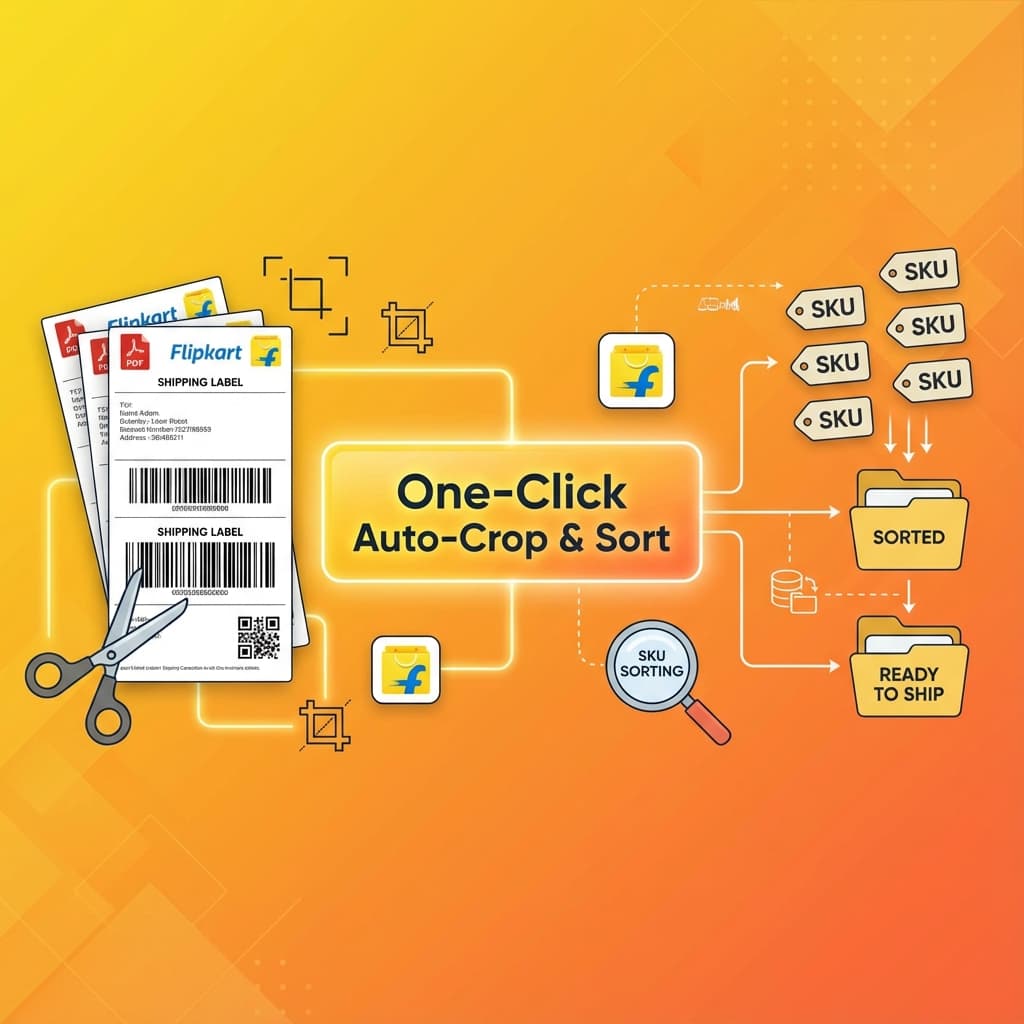
FlipkartAuto-CropSKU SortOne-Click
Flipkart Label Auto-Crop & SKU Sort - One-Click Solution
Automatically crop, merge, and sort Flipkart shipping labels from multiple accounts in one click. Save 20-30 minutes per batch!
PDF Things TeamDecember 17, 2025
Key Takeaways (Quick Summary)
- 1One-Click Processing: Automatically crop and sort hundreds of Flipkart labels instantly. No manual cutting needed.
- 2SKU Sorting: Labels are automatically organized by SKU, making packing error-free and faster.
- 3Multi-Account Support: Merge labels from multiple seller accounts into a single batch file.
- 4100% Private: Files are processed locally in your browser. No data is ever uploaded to a server.
The Flipkart Seller Challenge
If you're a Flipkart seller managing multiple accounts, you know the daily struggle:
- ✗Wrong Label Size: Flipkart labels print with extra margins - wasting paper and your time cutting them
- ✗No SKU Sorting: Flipkart doesn't sort labels by SKU - you manually sort after printing
- ✗Multi-Account Hassle: Download, crop, and sort labels separately for each account
- ✗Time-Consuming: Spend 20-30 minutes per batch on manual work
Our One-Click Solution
Imagine uploading labels from all your Flipkart accounts and getting back one perfectly organized PDF - with every label auto-cropped to perfect size and sorted by SKU. That's exactly what our Flipkart Label Tool does!
- ✓Auto-Crop to Perfect Size: Every label cropped to exact shipping size - ready to print and stick
- ✓Smart SKU Sorting: All labels sorted by SKU before printing - no manual sorting needed
- ✓Multi-Account Merge: Upload all accounts → auto-merge, crop, and sort in one click
- ✓One-Click Processing: All done in under 2 minutes - crop, merge, sort, download!
Ready to Save 20-30 Minutes Per Batch?
Join thousands of smart Flipkart sellers who have automated their label processing. Start shipping faster today with our one-click solution!
Try Flipkart Label Tool Now100% Free • No Sign-up Required • Unlimited Accounts • Instant Processing